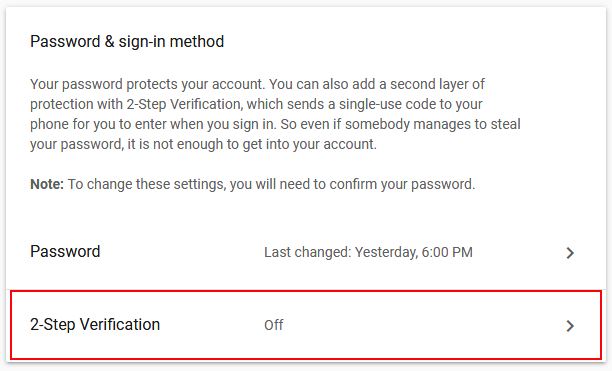
How To Turn Off 2-Step Verification in Google Account
If you feel uncomfortable using the 2-step verification, then you can choose to turn it off. Here are simple steps to know How To Turn Off 2-Step Verification in Google Accounts following as:
Go with easy steps to know how to turn off 2-Step Verification in gmail account :

Login to your Google account and then visit the Security settings https://www.google.com/settings/security/

Then, Click "Signing in to Google"
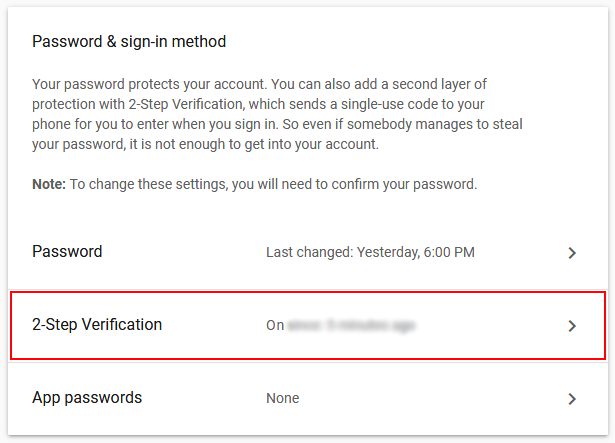

Then, comes to login verification, enter password, then click on - NEXT
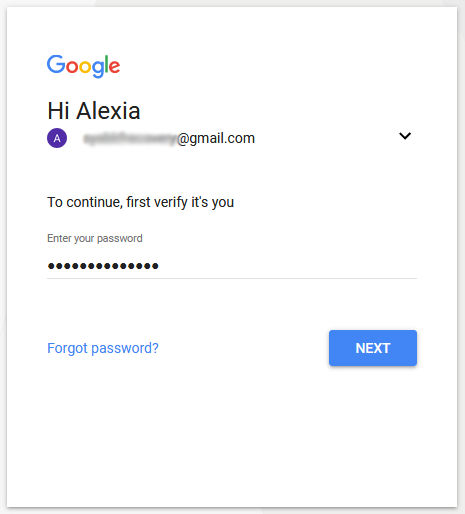

Then, enter 6 digit verification code, then click on - NEXT
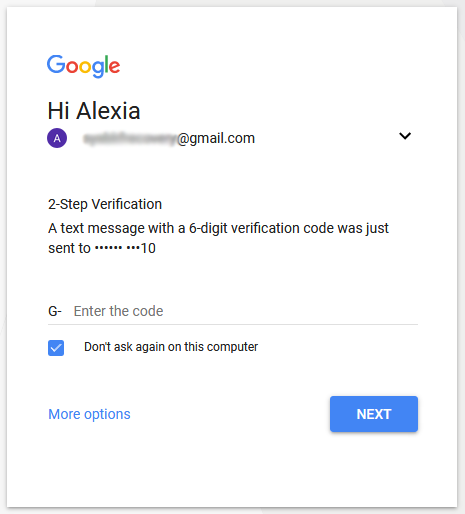

Then, click on - TURN OFF button
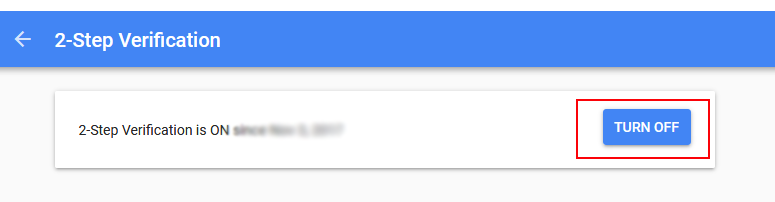

Now, 2-Step Verification is OFF